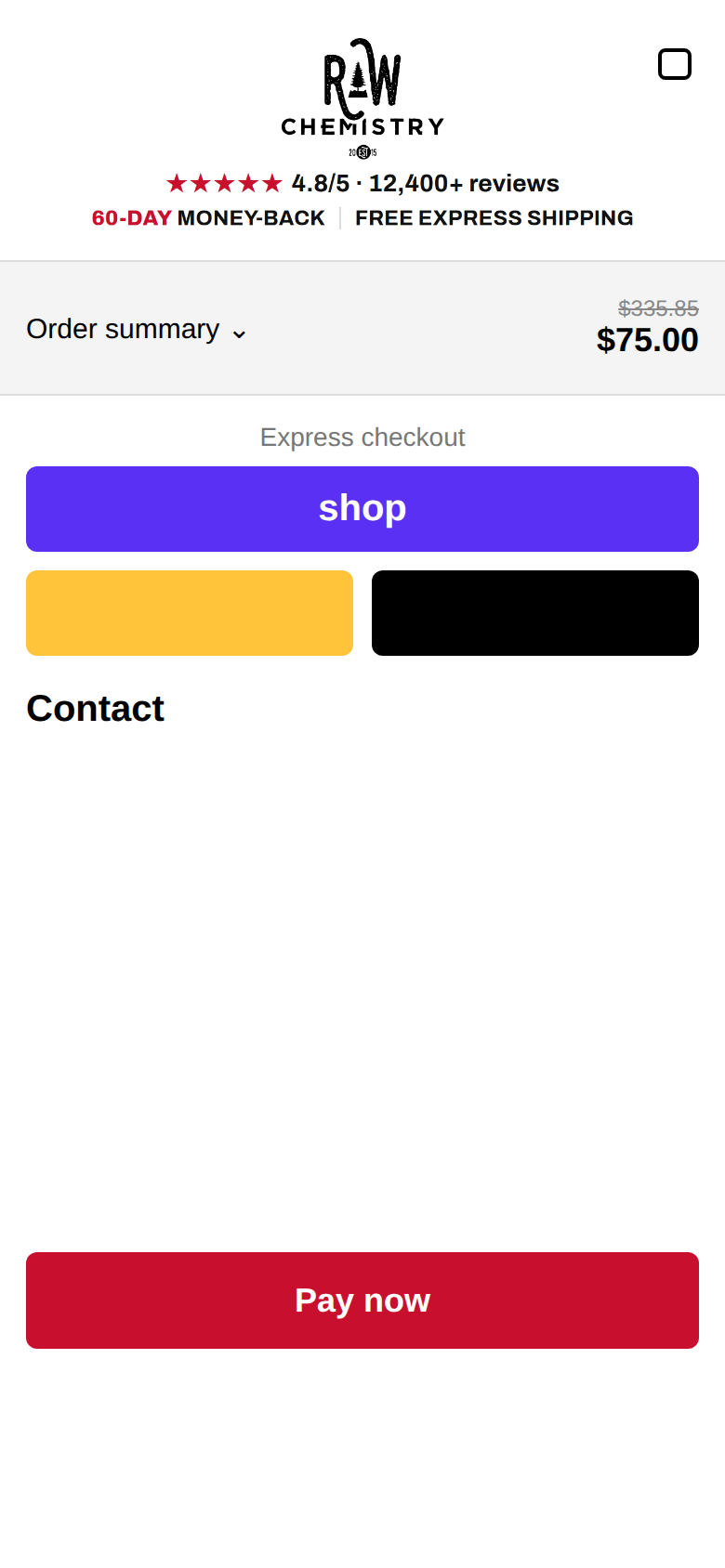
RAW checkout header (upload as checkout logo)
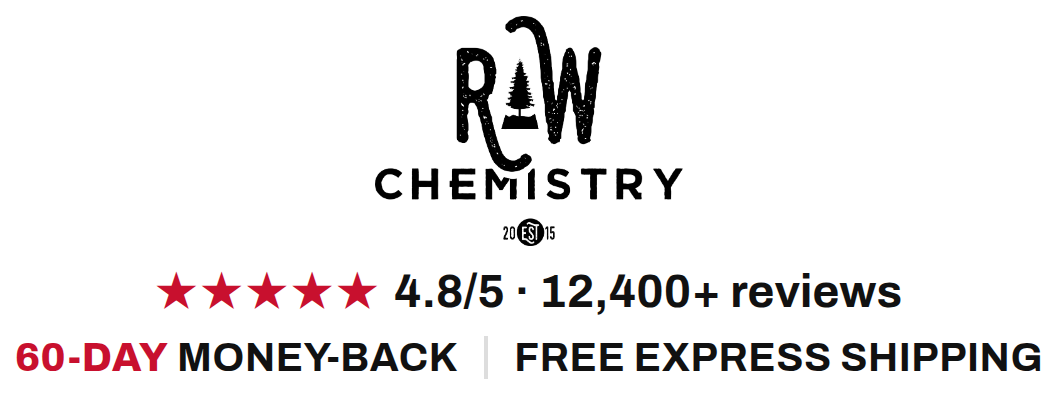
Download header PNG
Steps (~3 min)
- Shopify admin → Settings → Checkout → Customize
- Logo: upload this PNG, size = largest, centred
- Colours → primary buttons: #C8102E, white text → Save
- Open the PT page on your phone, tap buy, check it
Rollback: old logo RC_Black_PNG, button colour #A9814F.
Phone mockup (approximate)